Run detailed validation
After tagging and building a version, inspect detailed validation findings before you share the filing for review.
Who can do this
People with access to the filing can inspect findings. A fix needs the relevant content or tag edit permission. Certification needs its own role and review state.
See Document roles.
Before you begin
- You completed the content and tags for the version to review.
- You know whether the filing uses SEC or ESEF rules.
- You read Check a filing.
Choose the check
| Control | What to use it for |
|---|---|
| Review → Check filing | Check the filing as a whole. Read grouped causes, blockers, warnings and the current check state. |
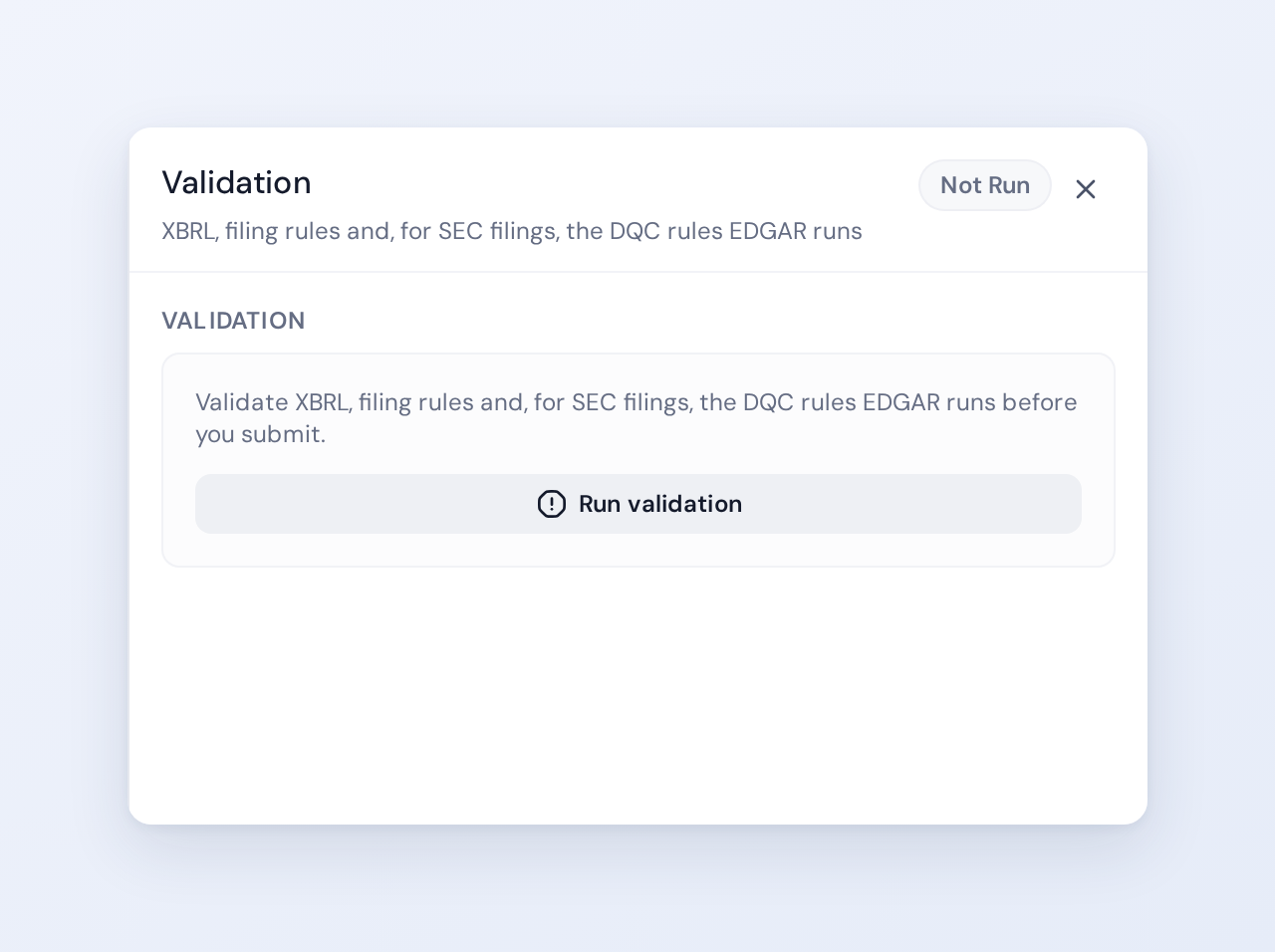
| XBRL → Validate | Inspect XBRL and filing-rule validation. For SEC filings, this also includes the DQC rules EDGAR runs. |
Detailed validation does not replace the current Check filing result required for certification.
Run validation
- On the XBRL tab, click Validate.
- Click Run validation.
- Wait for the result.
- Read each rule group and finding.
Use Re-run validation after fixes. If validation cannot run, read What to do where offered. A failed validation run is not a passing result.
XBRL findings concern the tags and their structure. Filing-rule findings depend on the filing's regime. SEC DQC findings concern data quality under the SEC rules.
Read the rule message, severity and affected fact before you decide on a fix. Several findings can share one cause.
Read SEC and ESEF data quality findings
In Check filing, SEC data quality findings appear under DQC rules. ESEF findings appear under Data quality (DQR). DQR is not a SEC DQC result.
- On the Review tab, open Check filing.
- Expand the applicable data quality group.
- Read the cause and severity.
- Inspect the affected facts.
Fix blocking errors first. Then review the warnings. A warning still needs review even when it does not block the check.
Fix and rerun
- Open the affected fact from the finding, where offered.
- Correct its content or tag with the required permission.
- Build the version you want reviewed.
- Run Check filing again on that version.
- Read the new blockers and warnings.
Changed since this check. means the result is stale. Click Check again. Do not use an old result as evidence for changed content.
Certification needs a current Check filing result with no blocking errors. Give a reason for each warning cause in Certify. An acknowledgement does not remove the underlying finding.
If the validator does not answer, Check filing says that nothing was checked. Try again in a few minutes. Only an eligible organization admin can use the validator-unavailable exception with a reason.
See Review and approve a filing for review rounds and certification.